Introduction
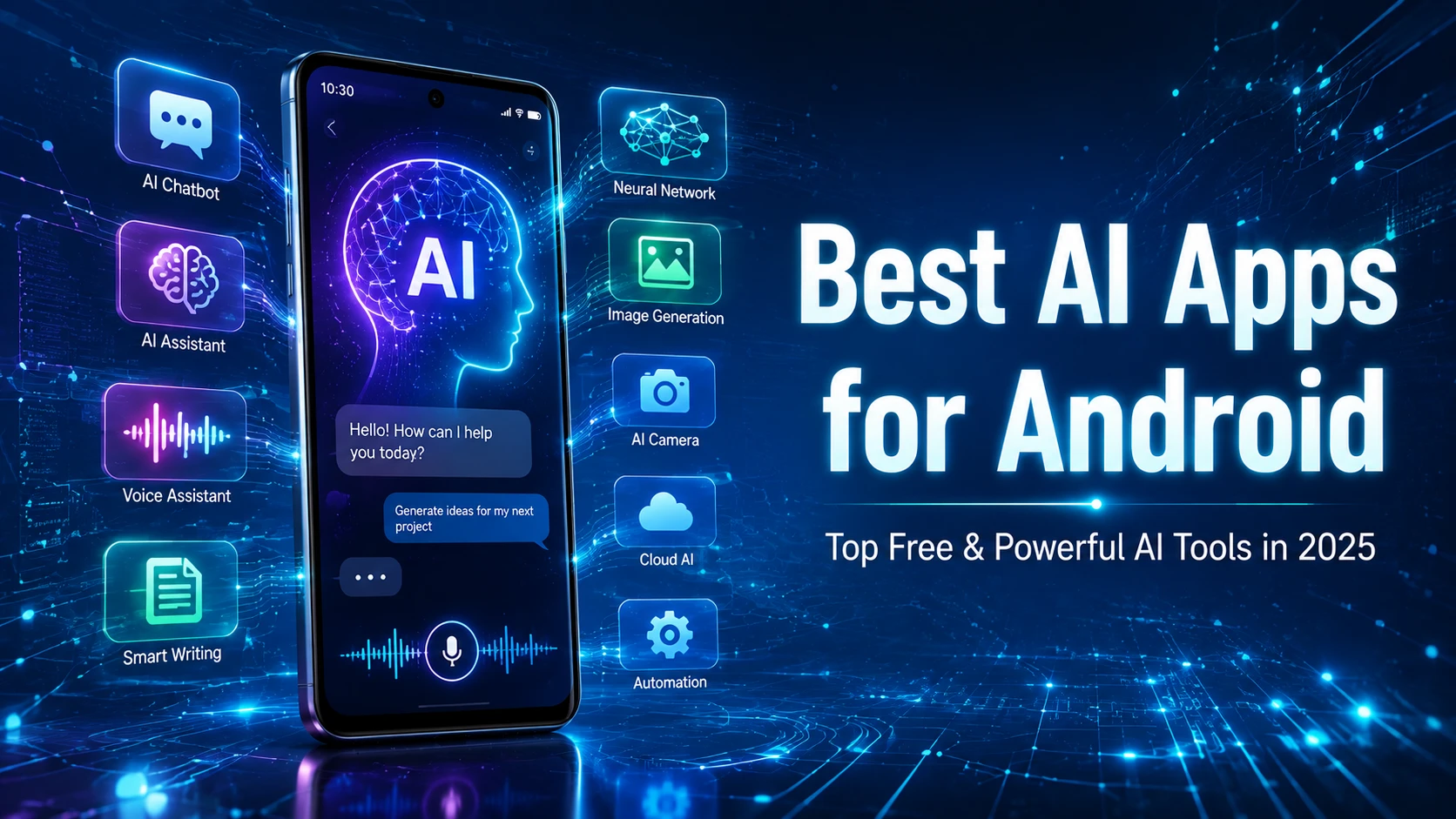
Artificial Intelligence (AI) has transformed the way we use smartphones. From writing emails and editing photos to learning new skills and boosting productivity, AI-powered Android apps make everyday tasks faster and easier. Whether you’re a student, content creator, business owner, or casual user, the best AI apps for Android can help you save time and get more done.
In this guide, we’ve rounded up the 15 best AI apps for Android in 2025 that offer powerful features, intuitive interfaces, and excellent free versions.
1. ChatGPT
Best For: Writing, coding, brainstorming, and learning
ChatGPT is one of the most powerful AI assistants available on Android. It helps users write emails, generate ideas, answer questions, summarize documents, and even assist with programming.
Key Features
- AI-powered conversations
- Content writing assistance
- Coding support
- Language translation
- Study help
2. Google Gemini
Best For: Google ecosystem users
Google Gemini integrates deeply with Android and Google services, making it easy to search, write, summarize, and manage tasks.
Key Features
- Smart search
- Image understanding
- Writing assistance
- Google Workspace integration
3. Microsoft Copilot
Best For: Productivity
Microsoft Copilot combines AI with Microsoft services to help users write, research, and create content efficiently.
Key Features
- AI writing
- Image generation
- Document assistance
- Quick research
4. Grammarly
Best For: Grammar and writing improvement
Grammarly uses AI to improve spelling, grammar, punctuation, and writing clarity across apps.
Key Features
- Grammar correction
- Tone suggestions
- Vocabulary improvements
- Writing insights
5. Canva AI
Best For: Graphic design
Canva’s AI tools make creating social media posts, presentations, and marketing graphics easier than ever.
Key Features
- AI image generation
- Magic Design
- Background remover
- Text-to-image
6. Adobe Express
Best For: Creative content
Adobe Express offers AI-powered editing tools for creating professional graphics, videos, and social media content.
Key Features
- AI templates
- Quick edits
- Background removal
- Brand tools
7. Microsoft SwiftKey AI Keyboard
Best For: Smarter typing
SwiftKey uses AI to predict words, improve typing speed, and support multiple languages.
Key Features
- AI predictions
- Voice typing
- Emoji suggestions
- Clipboard manager
8. Notion AI
Best For: Notes and productivity
Notion AI helps users summarize notes, generate ideas, write documents, and organize projects.
Key Features
- AI summaries
- Task management
- Smart writing
- Project organization
9. Perplexity AI
Best For: AI-powered search
Perplexity AI delivers quick answers with cited sources, making research easier.
Key Features
- Accurate answers
- Web-based research
- Source citations
- Fast responses
10. Photomath
Best For: Math learning
Photomath uses AI and image recognition to solve math problems step by step.
Key Features
- Camera scanning
- Step-by-step solutions
- Algebra support
- Calculus assistance
11. Otter AI
Best For: Voice transcription
Otter AI converts spoken conversations into searchable text in real time.
Key Features
- Meeting notes
- Voice transcription
- AI summaries
- Speaker identification
12. ELSA Speak
Best For: English pronunciation
ELSA Speak uses AI to improve pronunciation and speaking confidence.
Key Features
- Speech analysis
- Personalized lessons
- Accent improvement
- Progress tracking
13. Lensa AI
Best For: AI photo editing
Lensa provides intelligent photo enhancement with one-tap editing tools.
Key Features
- Portrait editing
- AI filters
- Background blur
- Skin retouching
14. Socratic by Google
Best For: Students
Socratic helps students understand homework with AI-powered explanations.
Key Features
- Homework assistance
- Image recognition
- Educational resources
- Subject explanations
15. Bing Image Creator
Best For: AI image generation
Create unique digital artwork simply by describing what you want.
Key Features
- Text-to-image generation
- High-quality artwork
- Creative styles
- Fast image creation
Why Use AI Apps on Android?
AI apps can help you:
- Save time on daily tasks
- Improve writing and communication
- Edit photos and videos quickly
- Learn new subjects
- Organize work efficiently
- Boost creativity
- Increase productivity
How to Choose the Best AI App
Before downloading an AI app, consider:
- Your primary use case
- Free vs. premium features
- Privacy and security
- Ease of use
- User ratings and reviews
- Update frequency
Final Thoughts
AI apps continue to make Android smartphones smarter and more useful. Whether you need help with writing, studying, designing, editing photos, or improving productivity, the apps listed above offer excellent features for both beginners and advanced users. Try a few of them to discover which ones best match your daily needs.