Introduction
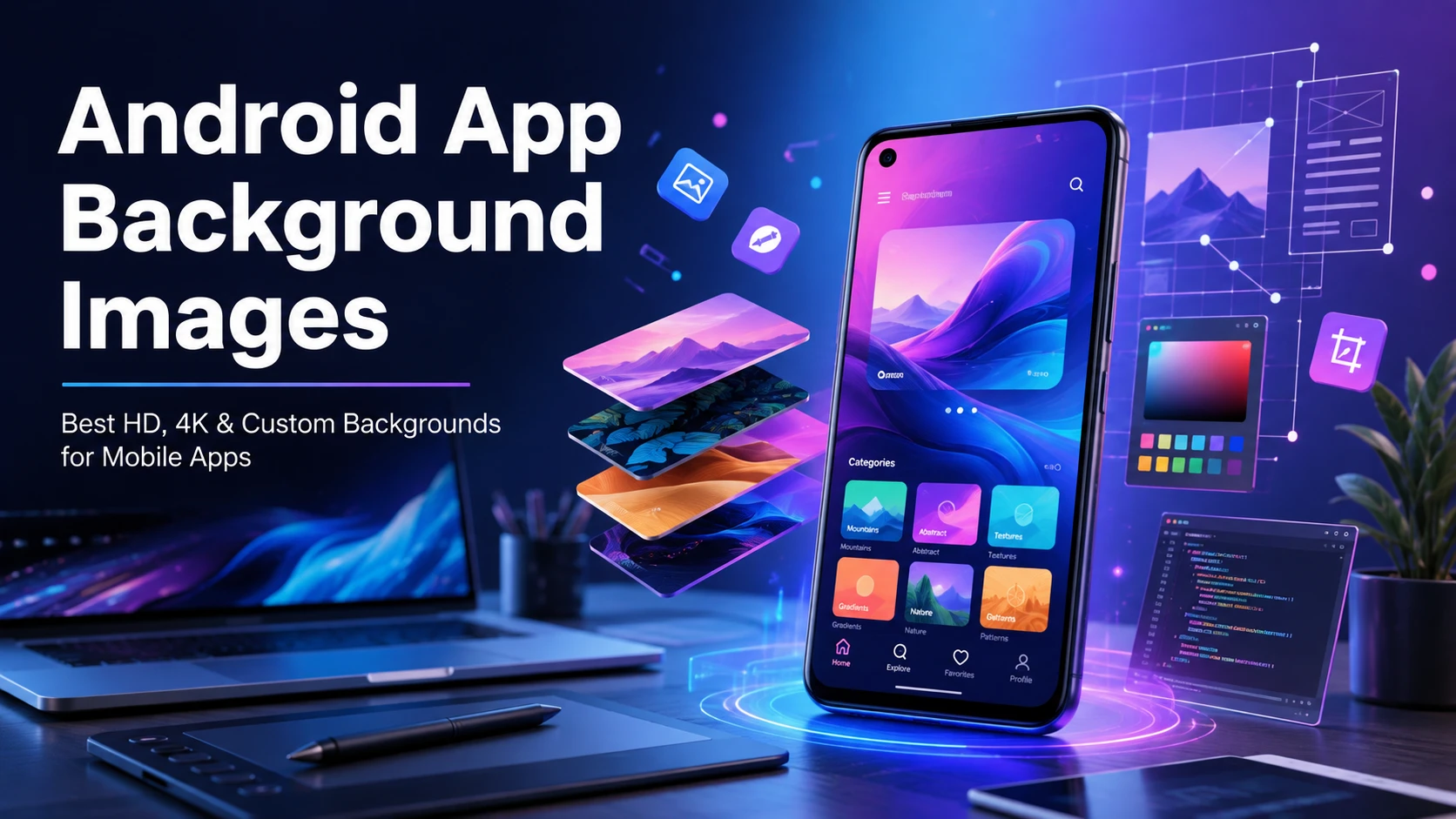
Choosing the right Android app background images can completely change how your mobile application looks and feels. A clean, modern, and high-quality background improves user experience, makes your app more professional, and helps increase user engagement.
Whether you’re an Android app developer, UI/UX designer, or someone creating a custom app, selecting the perfect background image is an important design decision.
Why Android App Background Images Matter
A background image is more than just decoration. It helps:
- Improve app appearance
- Create a professional interface
- Increase user engagement
- Build brand identity
- Enhance readability with proper contrast
- Make the app feel modern and premium
High-quality backgrounds can also improve first impressions, which is essential for app retention.
Best Types of Android App Background Images
1. Minimalist Backgrounds
Simple gradients and clean colors work perfectly for productivity apps, finance apps, and business applications.
2. Abstract Backgrounds
Abstract shapes and smooth patterns are ideal for social media, entertainment, and modern Android applications.
3. Nature Backgrounds
Mountains, forests, beaches, and landscapes create a relaxing user experience for wellness and travel apps.
4. Dark Mode Backgrounds
Dark backgrounds reduce eye strain and improve battery life on OLED displays.
5. Gradient Backgrounds
Color gradients give Android apps a modern and premium appearance while keeping the interface clean.
Recommended Background Image Resolution
Use high-resolution images for the best quality.
| Screen Type | Recommended Resolution |
|---|---|
| HD | 1280 × 720 |
| Full HD | 1920 × 1080 |
| QHD | 2560 × 1440 |
| 4K | 3840 × 2160 |
Always optimize images to reduce app size without sacrificing quality.
Best Image Formats
The most commonly used formats include:
- PNG (high quality with transparency)
- JPG (smaller file size)
- WebP (best compression for Android)
- SVG (for scalable graphics and icons)
WebP is generally the best choice because it provides excellent quality with smaller file sizes.
Tips for Choosing Android App Background Images
- Keep the design clean and uncluttered.
- Avoid distracting patterns behind text.
- Use high-resolution images.
- Compress images for faster app performance.
- Match colors with your brand identity.
- Test backgrounds in both light mode and dark mode.
Free Sources for Android App Background Images
You can find royalty-free backgrounds from trusted image libraries, AI image generators, and graphic design platforms. Always check the licensing terms before using images in commercial applications.
Common Mistakes to Avoid
Many developers make these mistakes:
- Using low-quality images
- Choosing overly bright backgrounds
- Ignoring readability
- Uploading oversized files
- Using copyrighted images without permission
Avoiding these issues helps improve both user experience and app performance.
FAQs
What is the best size for Android app background images?
Full HD (1920 × 1080) is suitable for most applications, while 4K images are recommended for premium designs.
Which image format is best?
WebP offers the best balance between image quality and file size.
Can I use free background images commercially?
Yes, but always verify the license before using them in commercial Android applications.
Should I use dark backgrounds?
Dark backgrounds are excellent for OLED devices and provide a comfortable viewing experience.
Conclusion
The right Android app background images can significantly improve your application’s visual appeal and user experience. Whether you choose minimalist gradients, abstract art, or stunning 4K wallpapers, always prioritize image quality, optimization, and usability. Well-designed backgrounds not only enhance the overall interface but also contribute to better engagement and a more professional Android app.