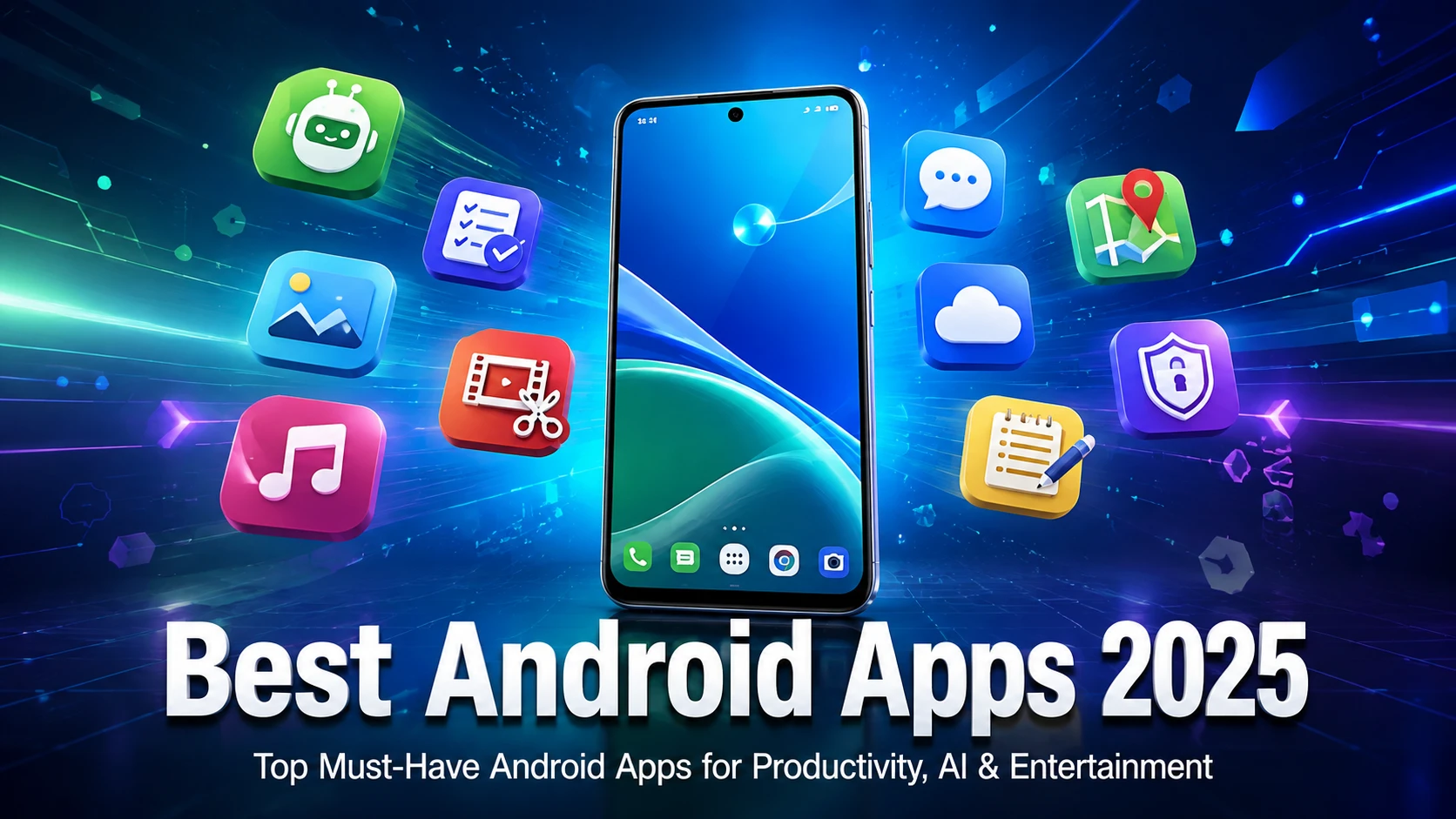
Android smartphones become more powerful every year, but the real experience depends on the apps you use. Whether you want to improve productivity, create AI content, edit photos, stay secure, or enjoy entertainment, the right Android apps can completely transform your phone.
In this guide, we’ve selected the best Android apps in 2025 based on popularity, features, user experience, and real-world usefulness. Many of these apps continue to be recognized among the year’s top Android choices by major Android publications and Google Play awards.
1. ChatGPT
ChatGPT is one of the most downloaded AI apps in 2025. It helps users write emails, solve homework, summarize documents, generate ideas, translate languages, and answer questions instantly.
Key Features
- AI writing assistant
- Homework help
- Coding support
- Image understanding
- Voice conversations
Best For: Students, bloggers, professionals, and businesses.
2. Google Gemini
Google Gemini integrates deeply with Android and works as an AI assistant for search, productivity, and creative tasks.
Features
- AI search
- Writing assistance
- Smart recommendations
- Google Workspace integration
3. Notion
Notion remains one of the best productivity apps available.
You can organize:
- Notes
- Projects
- Tasks
- Daily planner
- Team collaboration
Perfect for freelancers and remote workers.
4. Canva
Canva makes graphic design simple even for beginners.
You can create:
- Social media posts
- YouTube thumbnails
- Logos
- Posters
- Presentations
The free version offers thousands of templates.
5. CapCut
CapCut is one of the top free video editing apps.
Features
- AI subtitles
- Auto captions
- Trending effects
- 4K export
- Music library
Perfect for TikTok, Instagram Reels, Facebook, and YouTube Shorts.
6. Spotify
Spotify remains one of the best music streaming apps.
Features include:
- Millions of songs
- Podcasts
- Offline downloads
- Personalized playlists
7. WhatsApp
Still the world’s most popular messaging app.
Features:
- HD video calls
- Communities
- File sharing
- Channels
- End-to-end encryption
8. Bitwarden
Bitwarden is an excellent password manager.
It securely stores:
- Passwords
- Credit cards
- Secure notes
- Login credentials
A great choice for online security.
9. Google Photos
Google Photos automatically backs up your photos and videos.
Highlights:
- AI search
- Magic Editor
- Cloud backup
- Easy sharing
10. Adobe Lightroom
A professional photo editing app for Android.
Features:
- RAW editing
- Color grading
- Presets
- AI tools
Ideal for photographers and content creators.
11. Microsoft Outlook
A reliable email application that combines email, calendar, and contacts into one clean interface.
Perfect for business users.
12. Google Maps
Google Maps is still the most reliable navigation app.
Features include:
- Live traffic
- Offline maps
- Business reviews
- Public transport
- Street View
13. Snapseed
Snapseed remains one of the best completely free photo editors.
Features:
- Professional filters
- Healing tool
- HDR editing
- Curves
- Selective adjustments
14. Duolingo
Learn over 40 languages using fun lessons.
Perfect for:
- Students
- Travelers
- Beginners
15. VLC Media Player
VLC supports nearly every audio and video format.
Features:
- No ads
- Subtitle support
- 4K playback
- Network streaming
Why These Apps Stand Out in 2025
These Android apps were selected because they offer:
- Excellent user experience
- Regular updates
- Strong security
- Millions of active users
- Useful AI-powered features
- High ratings on Google Play
Industry roundups in 2025 consistently highlight AI assistants, productivity tools, media apps, and security utilities as the most valuable categories for Android users.
Tips Before Installing Android Apps
- Download apps only from Google Play Store.
- Read user reviews before installing.
- Check app permissions carefully.
- Keep apps updated.
- Enable Play Protect for extra security.
Final Thoughts
The Best Android Apps 2025 combine productivity, entertainment, AI, security, creativity, and communication in one powerful ecosystem. Whether you’re a student, business owner, content creator, or casual smartphone user, these apps can help you get more from your Android device.
Try the apps that match your needs, keep them updated, and regularly review permissions to maintain the best balance of features, performance, and privacy.